
The take
27 August 2026Draw does more than draw now.
The Draw tool has always been the way into a custom catchment - drop a pin, then take a polygon, a radial ring or a travel time, and run the full analysis. That is still the point of it. But three additions have quietly turned the trip to the full report into something you can stop and use along the way, and they are the ones people keep telling us about.
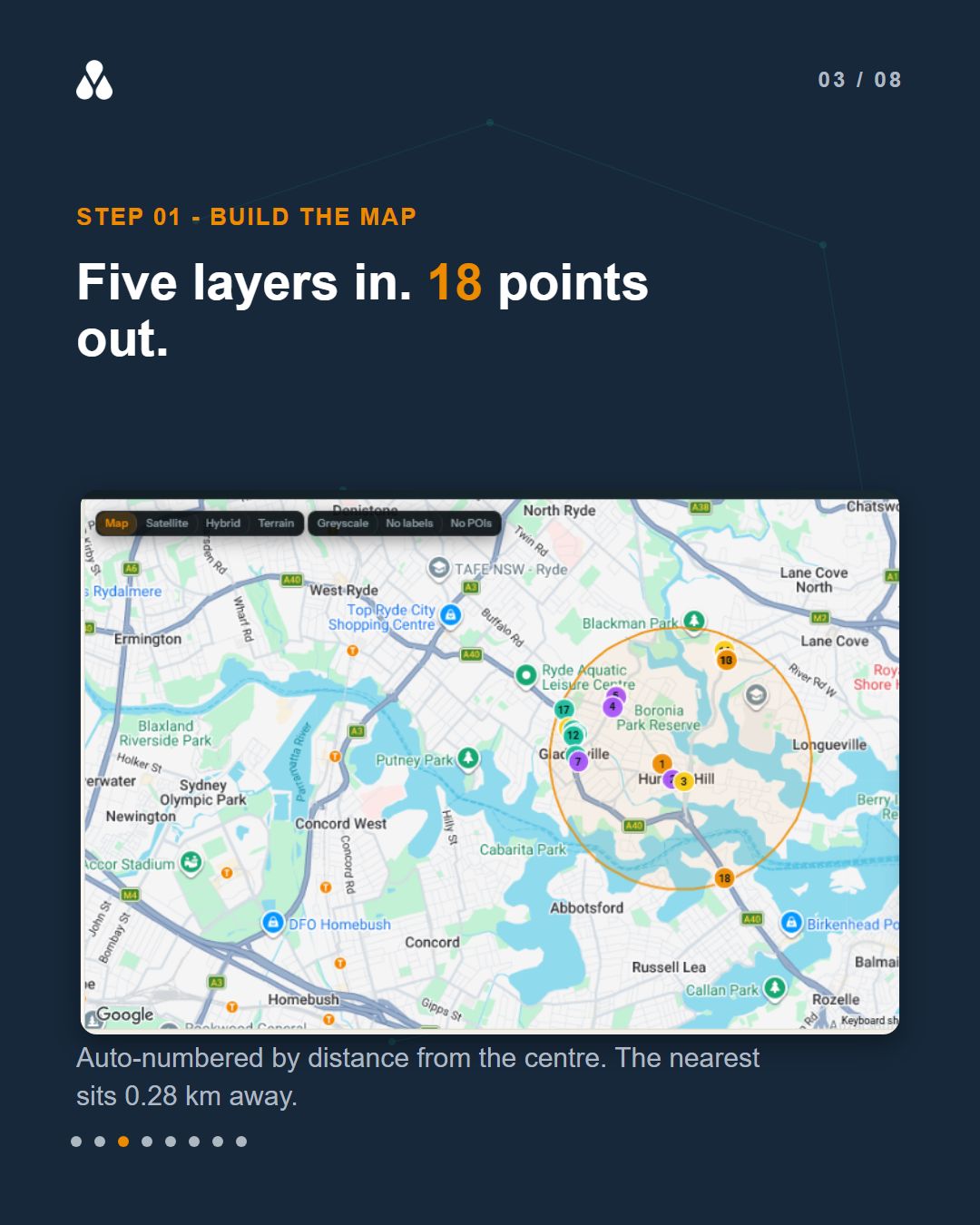
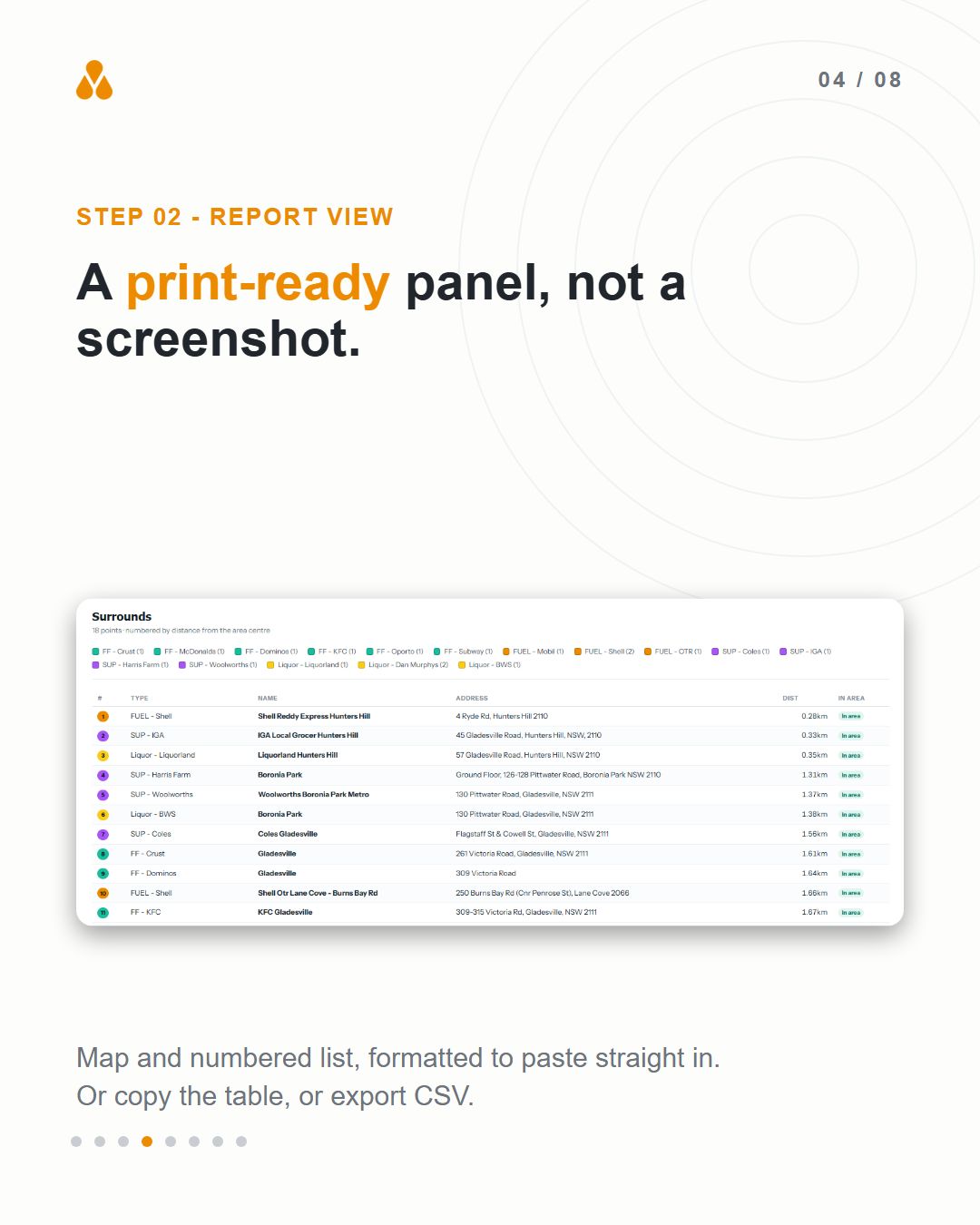
The first is Map Builder. Add the layers you care about and they land on your catchment, auto-numbered by distance from the centre, with a live table beside the map. On a five-minute drive time around Hunters Hill, five retail layers returned 18 points, the nearest a service station 0.28 km out. Strip the map to greyscale, turn off the labels, delete the sites that are not relevant, and then switch to Report view - the map and the numbered list come back as a clean print-ready panel. Copy the table or export it to CSV if you would rather have the data.
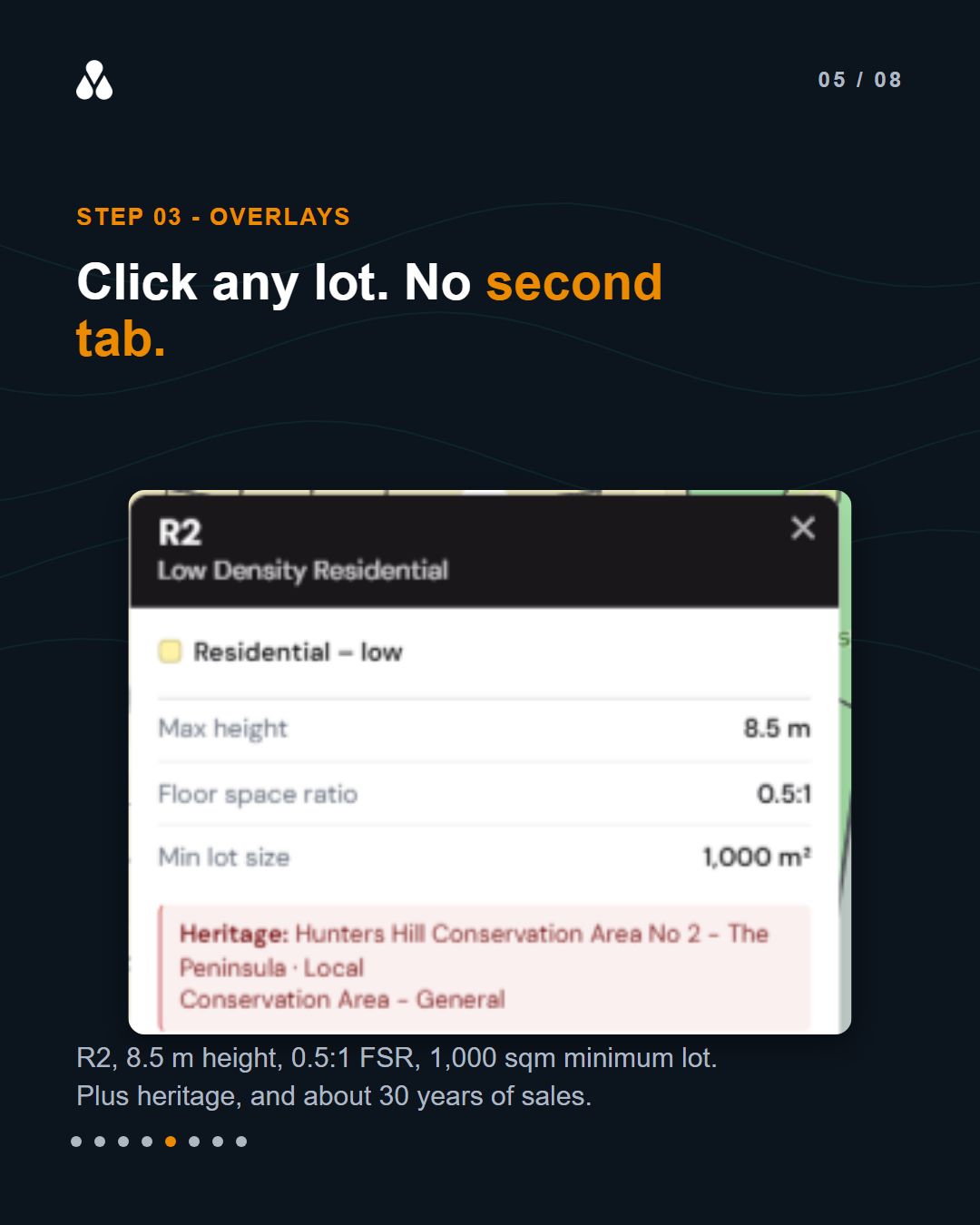
The second is overlays. Zoning controls, national land-use categories, development controls, heritage items and conservation areas, and lot boundaries all sit on the same map, and they vary by state. Click any lot and you get its statutory code and controls - in the example we ran, an R2 low density zone with an 8.5 m height limit, a 0.5:1 floor space ratio and a 1,000 sqm minimum lot size, inside a listed conservation area - along with roughly 30 years of sales history and the appreciation it shows.
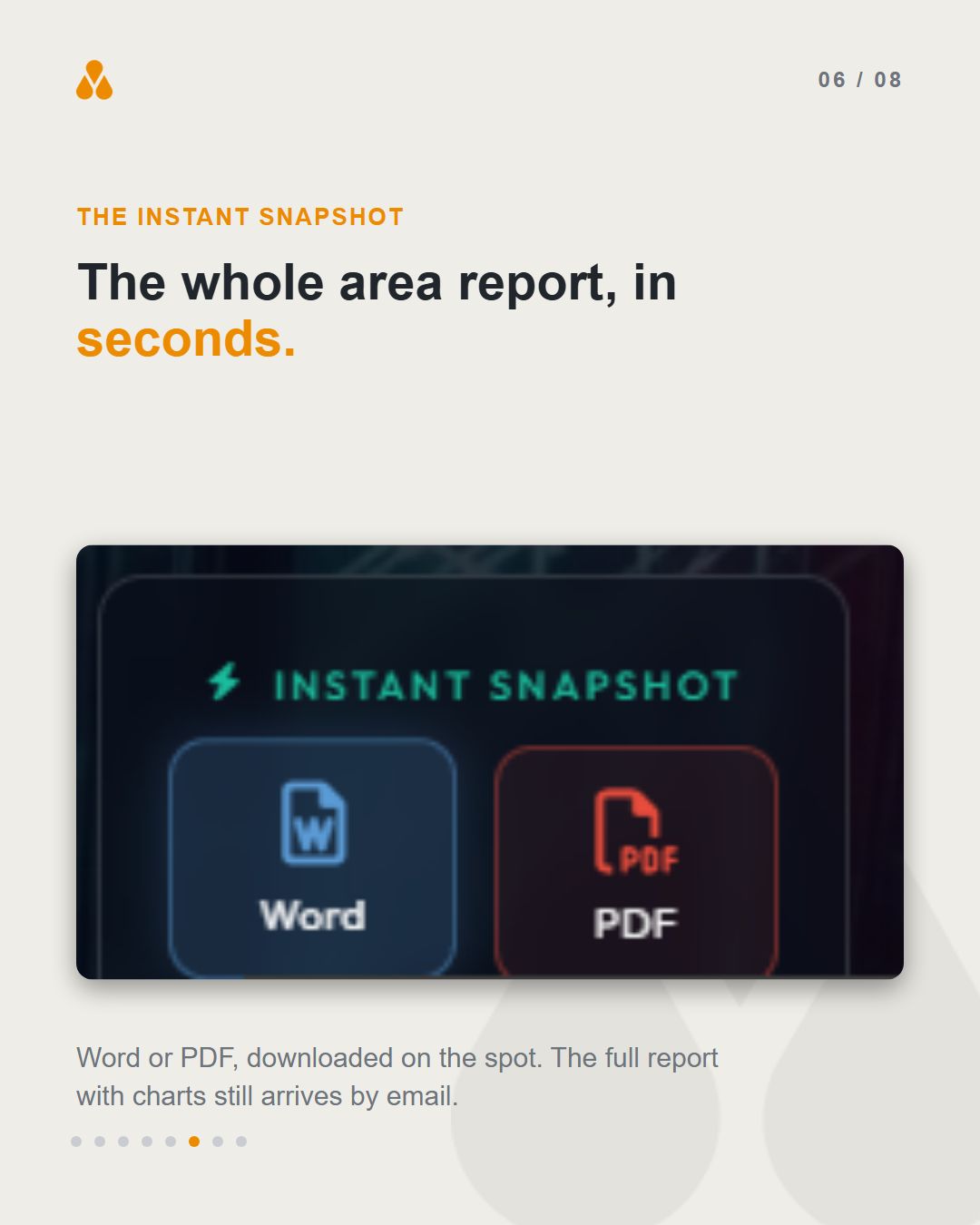
The third is the instant snapshot. From the analysis page, one click downloads the whole area report as a Word document or a PDF, in seconds - In Brief, the at-a-glance factor radar, population, income, housing, employment, education, getting around, and the major projects planned nearby with sourced links. Valuers have been the quickest to pick this one up. The complete report, with the PowerPoint and the full supporting charts, still comes by email; the snapshot is for the days when the meeting is today.
Putting this post together, the thing that stood out was how little of the old workflow was actually difficult. Screenshotting a map, hunting a height limit in a council portal, retyping a list of nearby retailers - none of it is hard, and all of it is slow. That is the part worth removing.
A full walkthrough video covering all of this is coming shortly.
Draw it, map it, report it: areasearch.com.au/draw

.jpg)
.jpg)